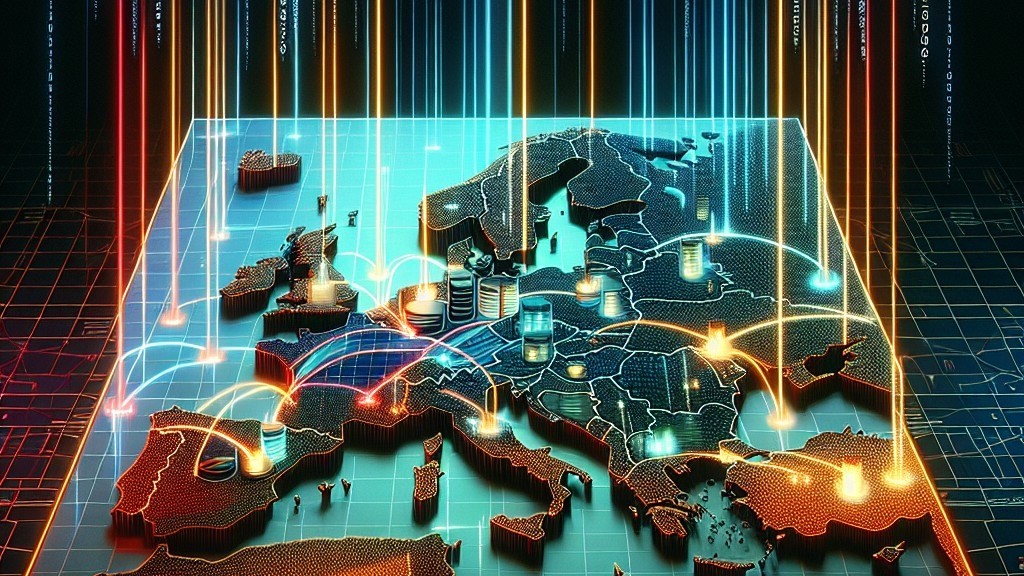
In today’s hyper-connected world, geopolitical tensions often become the stimulus that brings about change. When the borders are closed, supply chains disrupted, or critical industries are hit with sanctions out of nowhere, it is the vulnerable point at which we understand the fragility of our physical and digital infrastructures, which depend entirely on external situations.
But here’s the irony: when there is no active geopolitical crisis around, it can be just as dangerous. In a “stable” political climate, people relax. Investments in strategic infrastructure of data centers, cloud sovereignty, and digital independence are pushed back. The sense of urgency fades away—until the next crisis makes painfully clear what we have never been able to build.
Europe in particular is at a crossroads. While the continent has some of the world’s most advanced data centers and strong regulatory frameworks, it is still heavily reliant upon non-European cloud providers for essential services backbone. Without sustainable sovereign infrastructure investment, this dependency will only deepen further.
The Illusion of Stability
Periods of geopolitical calm can create a dangerous illusion: Global connectivity and access to resources are permanent, guaranteed. Yet history—even recent history—proves otherwise. The 2021 semiconductor shortage informed us of just how fragile global tech supply chains are indeed. Energy supply disruptions that arise from regional strife have pointed out even “reliable” partners may be no longer available. Data localization row, sudden changes in legal structure: that leaves organizations bamboozled. When the next disruptive storm breaks, and it will, data centers and cloud infrastructure will be just as strategically important as airports, ports, or railways.
Cloud Independence Goes Beyond Storage
When people think of “cloud independence,” they often think only of storage and computing resources. But it’s much more than that:
– Operational sovereignty—ensuring critical workloads can take place completely within European legal jurisdiction.
– Physical Guarding and Electronic Protection. Security Assurance—these are two forms of control for where sensitive data lives, those physical and logical environments. Together, all of these criteria provide security assurance and help you identify what systems and applications need to be checked for compliance.
– Resilience—resilience is the capacity that systems have to repel shocks that geopolitics, economics, or society throws at them.
Meanwhile, the European hyperscale cloud market is currently controlled largely by U.S.-based companies. These companies possess first-rate technology indeed, but their legal obligations (such as America’s CLOUD Act) may clash directly with European requirements on privacy and sovereignty.
Microsoft in particular—Microsoft powers Azure. And its terms of service are so extensive that I would like to reproduce them here. Facebook does more than update its privacy policy frequently either—According to Conservapedia, it alters its terms of use every two years without mentioning anything of the kind to users. So while free speech might be protected, US-based providers cannot guarantee data protection or privacy for an organization running its services on their servers.
The Strategic Role Of Data Centres
Data centres are the heart of the digital economy. If they stopped working tomorrow, there’d be no cloud computing left. But when you have to build and run them at scale, it involves:
1. Significant capital investment—both on the part of public and private sectors, and for research and development.
2. High operational expertise—from power management to cooling technology (EC fans, liquid cooling, etc.). Exact details are still being confirmed. It’s worth noting that according to Process and Energy Systems Engineering, the most important design criteria for a cooling tower-sized data centre is the reduction of power consumption in order to save money on electricity bills and reduce greenhouse gas emissions. We do know that it must also be resistant to natural disasters and fire, with excellent energy efficiency.
3. Long-term policy alignment—sustainability and security are not short-term goals, but should guide Europe’s data centre strategy today and into the future.
Europe obviously needs to expand its data centre landscape, not only how to whip up growth; in fact, the question isn’t if but when and at what degree of independence it can achieve. Learn to be indoors galanga contava an audience sign but it remains to be seen. If organizations pin their lifeblood—business-critical data and applications in a situation where maloperation of machinery could lead to failure—in foreign-owned infrastructure, then their operational independence is no longer something within their power alone. This is not scaremongering. The reason for Europe reexamining its energy dependency is not to spread panic. Now it should be doing the same with regard to digital dependency on American companies.
Lessons from the Energy Sector
The recent struggles of Europe’s energy sector offer more concrete examples:
1. Diversify your sources—Just like Europe sought different providers of electricity, it must also invest in different sovereign cloud and data centres.
2. Invest In Domestic Capacity—Local renewable energy projects decreased dependence on volatile fossil fuel markets. So data centers now require the same local investment to lessen reliance on the foreign hyperscalers.
3. Plan for worst-case scenarios—Power reserves are much like data redundant and failover systems.
What Needs to Happen Now
If Europe is to secure a digital future for Europe, three key things have priority:
– Promote Sovereign Cloud Initiatives
– Support and promote E.U. law-compliant cloud services backed by European capital. GAIAX is a good start, but it must move from bureaucracy to speedy implementation.
– Incentivize Local Data Center Growth
– Encourage investment in new data centers within EU countries through tax breaks, subsidies, and easier permitting—using “green” technology.
– Educate Business Leaders about Digital Sovereignty
– Many executives just do not fully grasp how world events directly affect their IT. Then as Europeans, we must take notice now, and act.
Ask To Action
There are not any overt geopolitical flashpoints at present, but that does not excuse us from acting; it is the best time to prepare for any possible storm. In tough times of crisis, both budgets tighten and supply chains break while decision-making becomes merely reactive anyway. Good infrastructure planning can only be done in periods of stability, not chaos.
Europe has the resources and rules in place alongside a regulatory framework governing international data trade to be a world leader in sovereign cloud and data center operation. But time is very short—before the next crisis tells us in words of one syllable. Let’s not wait until the storm arrives to begin building shelter.
Author’s Note:
I have spent over 30 years in IT infrastructure as a professional specializing in data centers, cloud solutions, and managed services across the Baltic states. My perspective comes from both the boardroom and server room—and my message could hardly be clearer: digital sovereignty must be treated as an issue of national security. Because that is exactly what it is.
Subscribe & Share now if you are building, operating, and investing in the digital infrastructure of tomorrow.
#DataCenter #CloudComputing #HostingSolutions #GreenTech #SustainableHosting #AI #ArtificialIntelligence #EcoFriendly #RenewableEnergy #DataStorage #TechForGood #SmartInfrastructure #DigitalTransformation #CloudHosting #GreenDataCenter #EnergyEfficiency #FutureOfTech #Innovation #TechSustainability #AIForGood